
DOWNLOAD AND POST
Download images to set as your profile picture or use in your own social media post.
Directions for Mobile Devices
Select DOWNLOAD under the size that you want.
When the image opens, select the 3 dots in the top right corner.
Select Download and the image will be saved to your photos.
Log in to your favorite social media and post away!
-
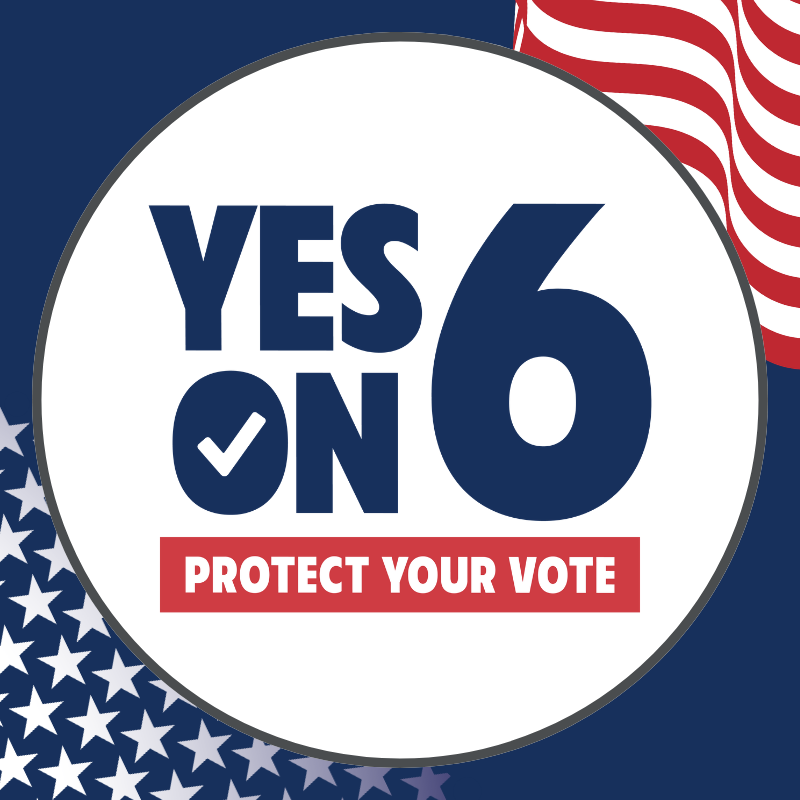
Profile Picture
Square image. Perfect for Facebook or Instagram profile pictures.
1:1 ratio, 800×800
-
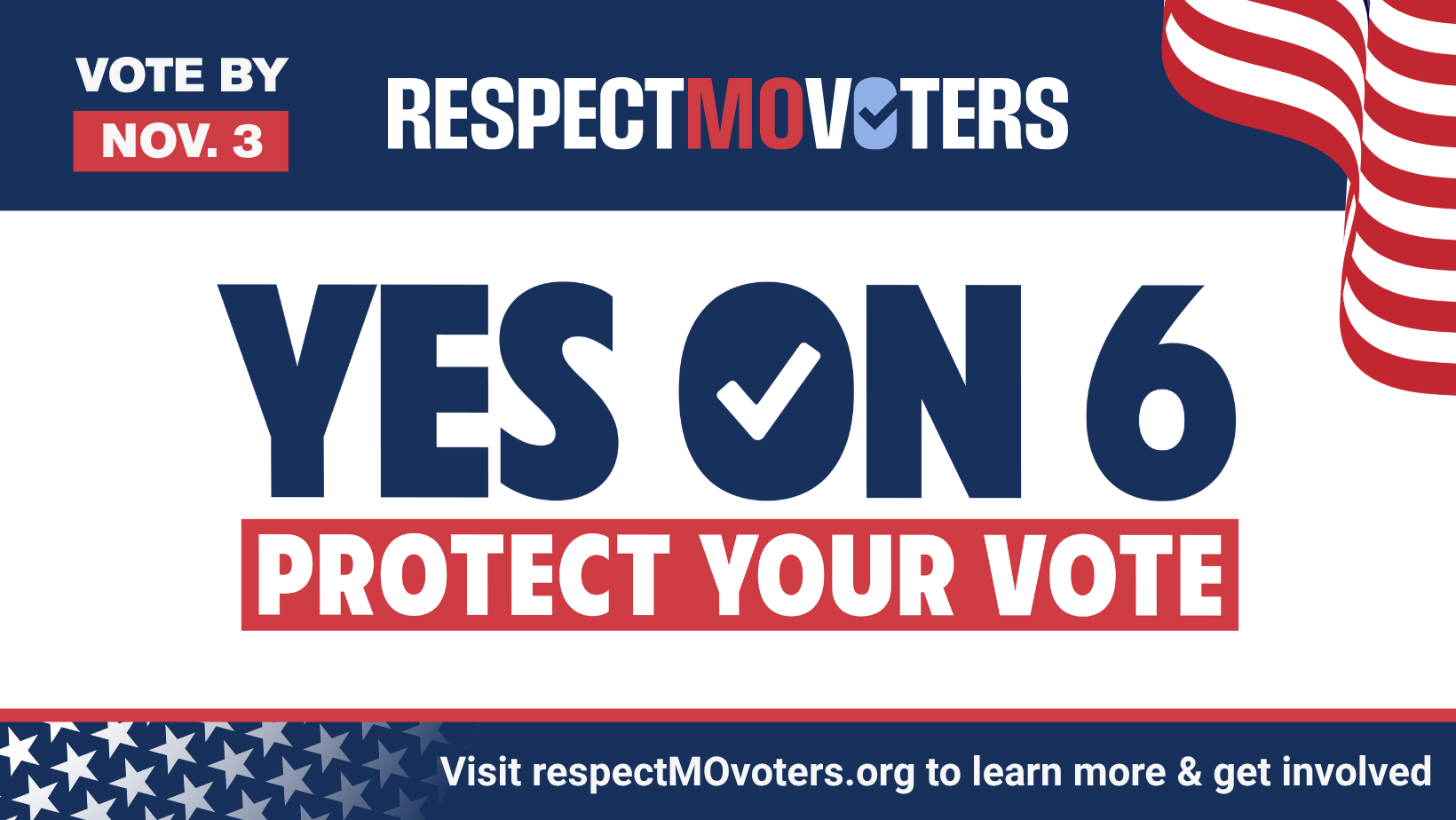
Facebook Cover
Facebook cover photo.
1640×924
-

General Post
Best size for Facebook or Instagram posts. Works well on most social media.
4:5, 1080×1350
-
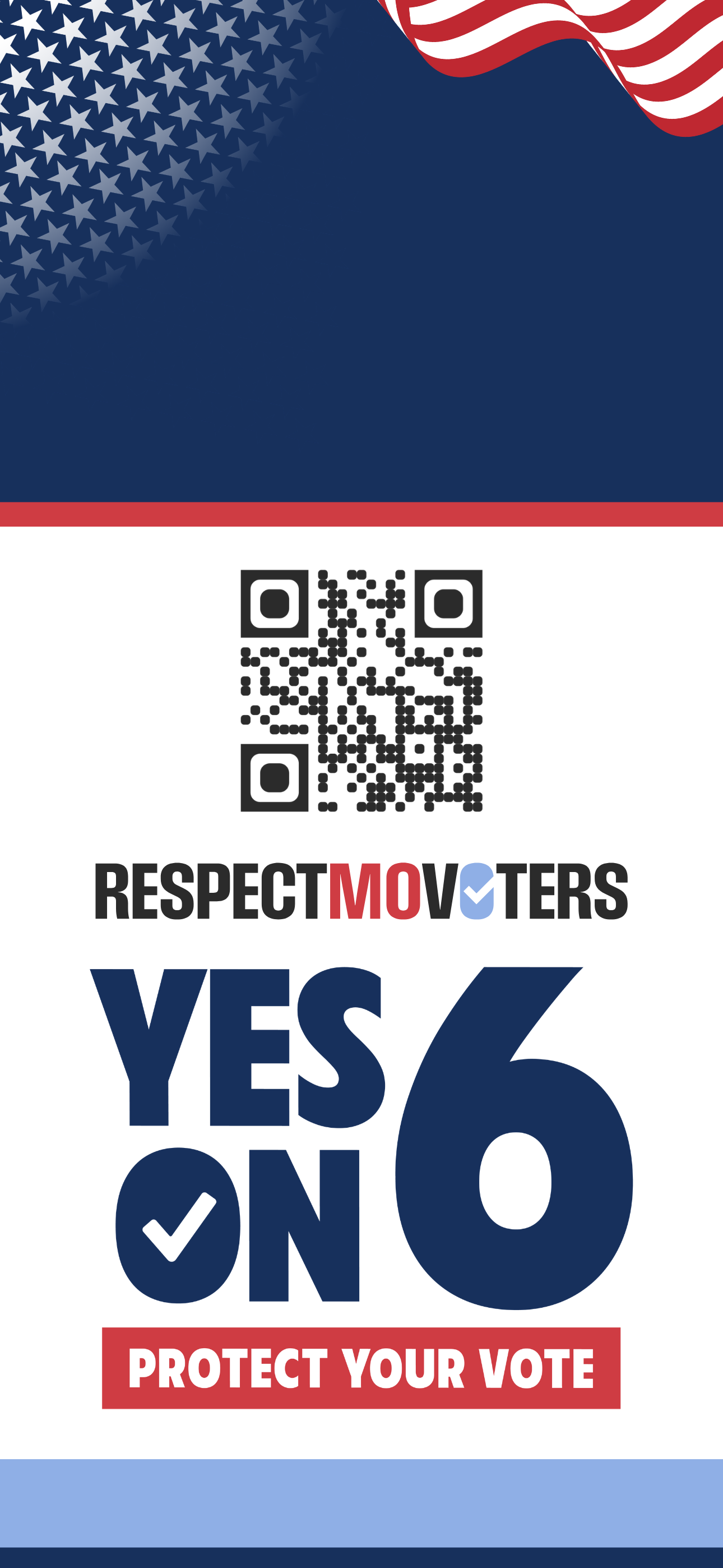
Lockscreen/Wallpaper
There are a lot of phones and settings out there and we can’t cover them all, but this may work for you. 1290 x 2796
-
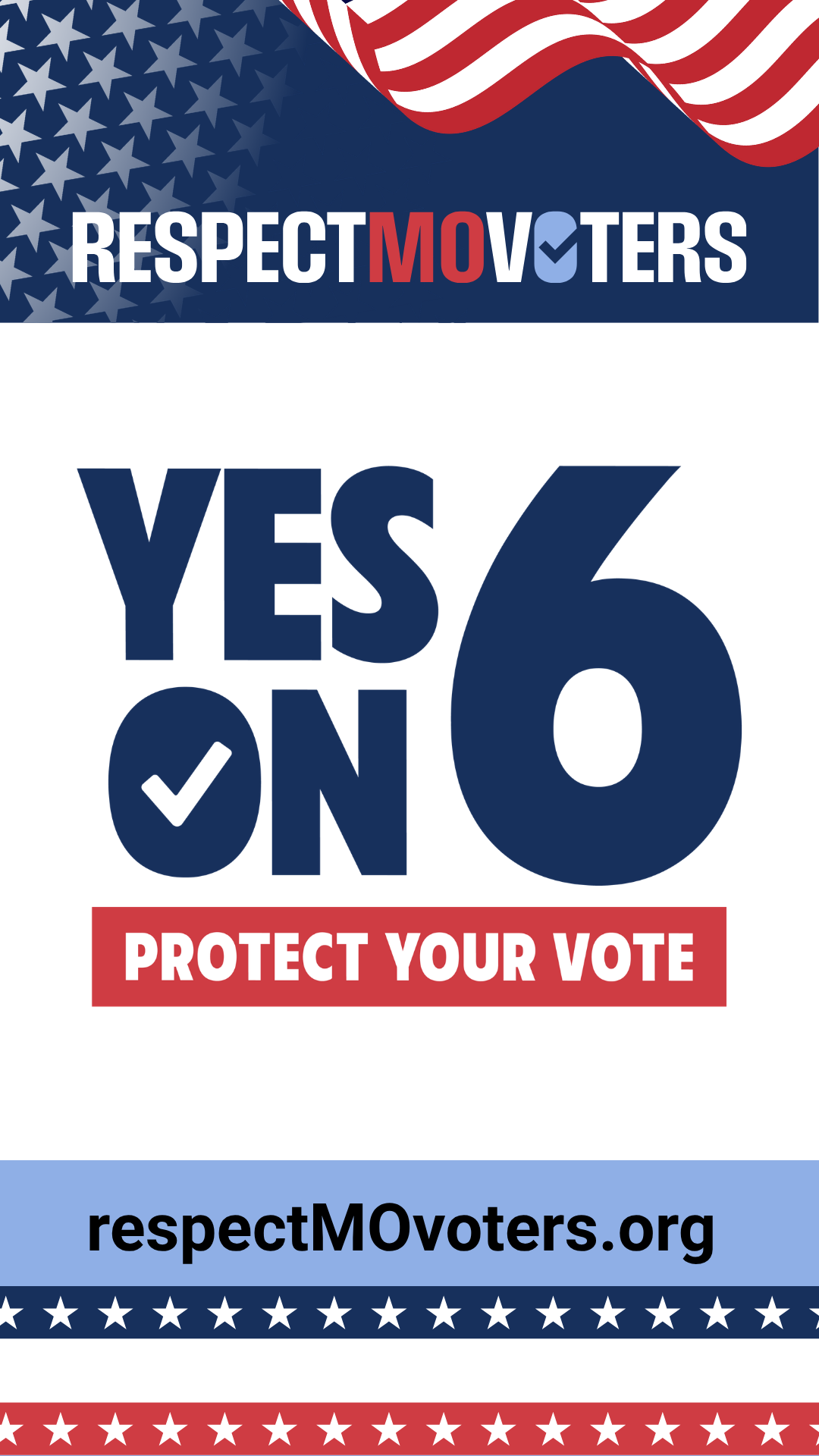
General Post
Best size for Tik Tok.
9:16, 1080×1920